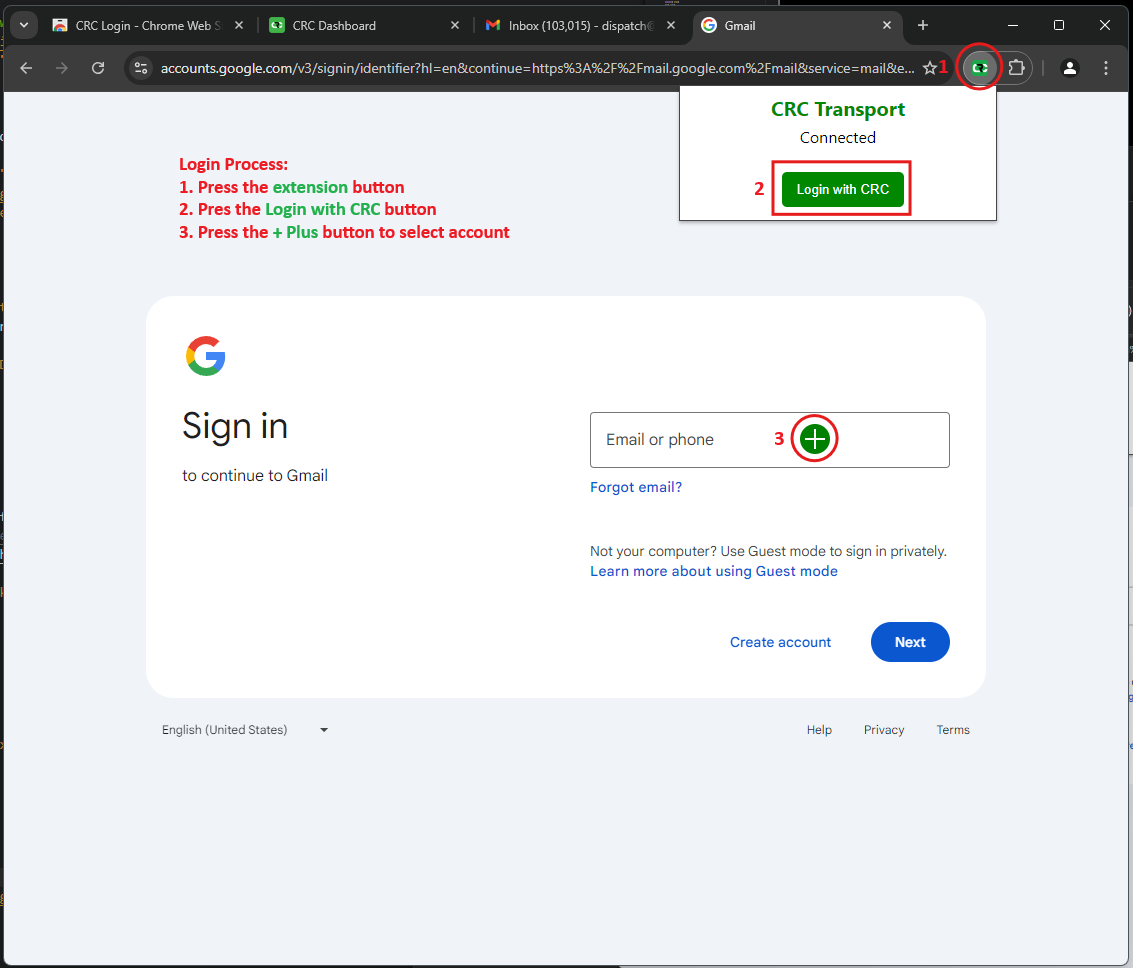
How to install?
This is a step by step instalation guide for CSBDash Bworser based on Chrome including the extension.
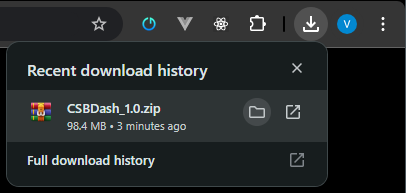
Step 1: Download the browser
CSBDash_1.0.zip
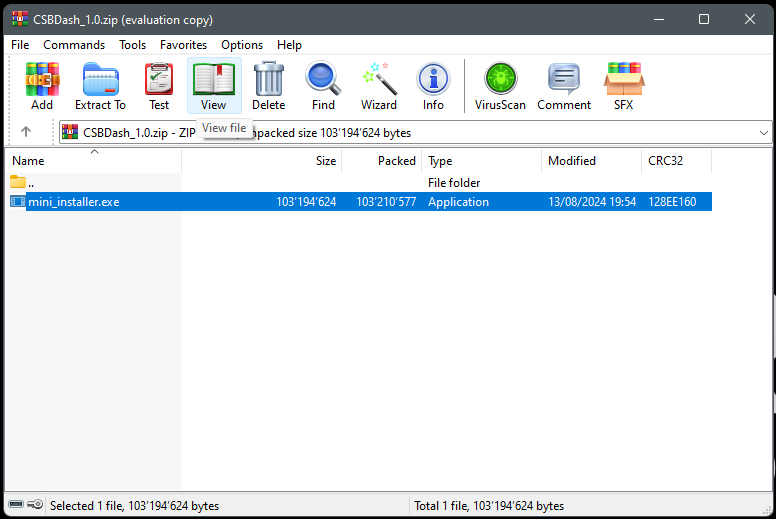
Step 2: Unzip the instalation
Unzip the downloaded file.
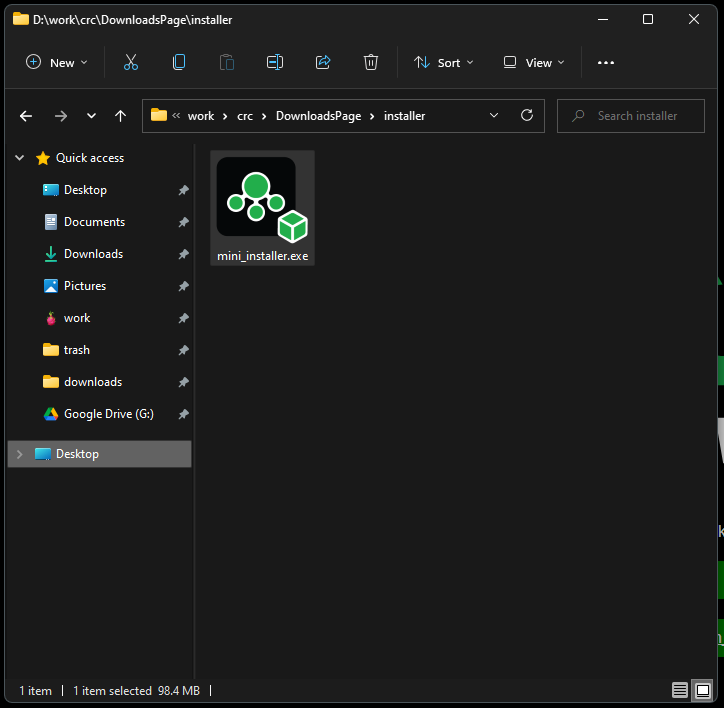
Step 3: Install the browser
Start the mini_installer.exe file and wait until the browser is installed (please be patient this can take up to 5 minutes).
Step 4: Install the extension
After the browser is installed, open the browser and go to the following link to install the extension.
https://chromewebstore.google.com/detail/crc-login/eaeefaoeapnnhbooceknjjioifjhimal
Copy Link
Install Extension
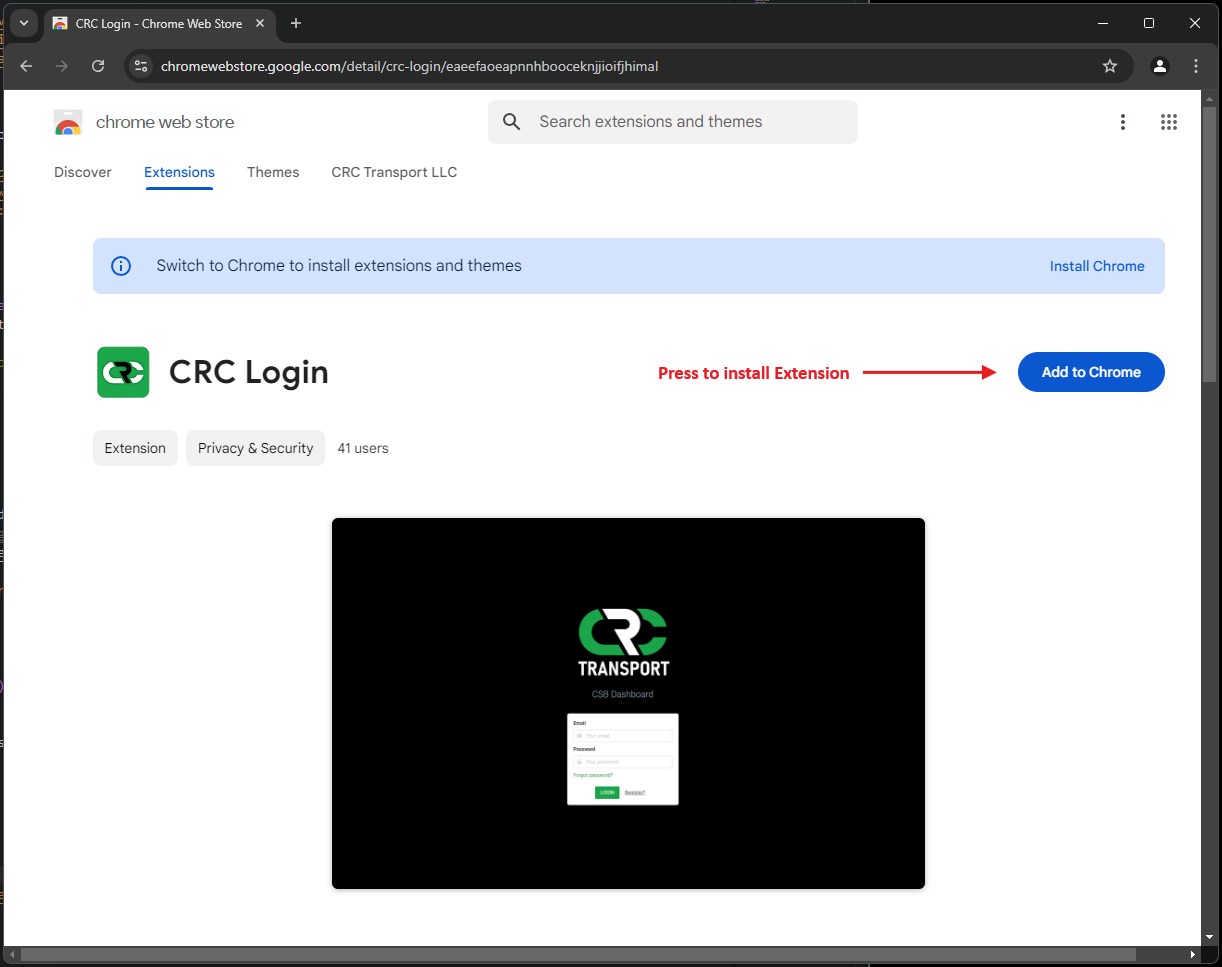
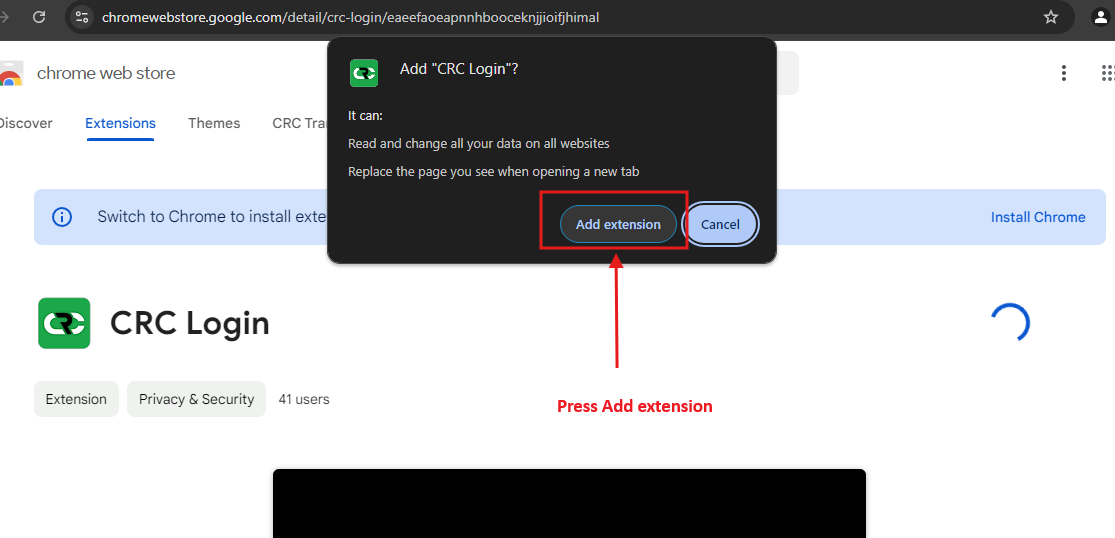
Press ADD Extension to aprove instalation
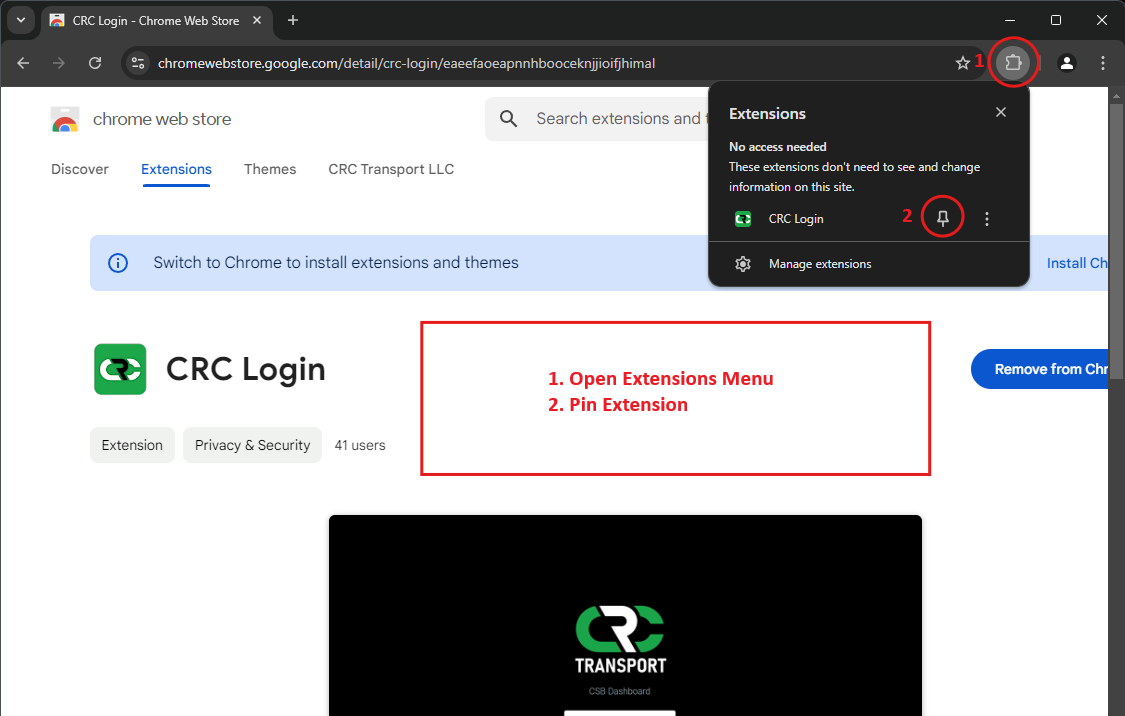
Pin Extension
Create New Tab an aprove the changes by pressing KEEP IT
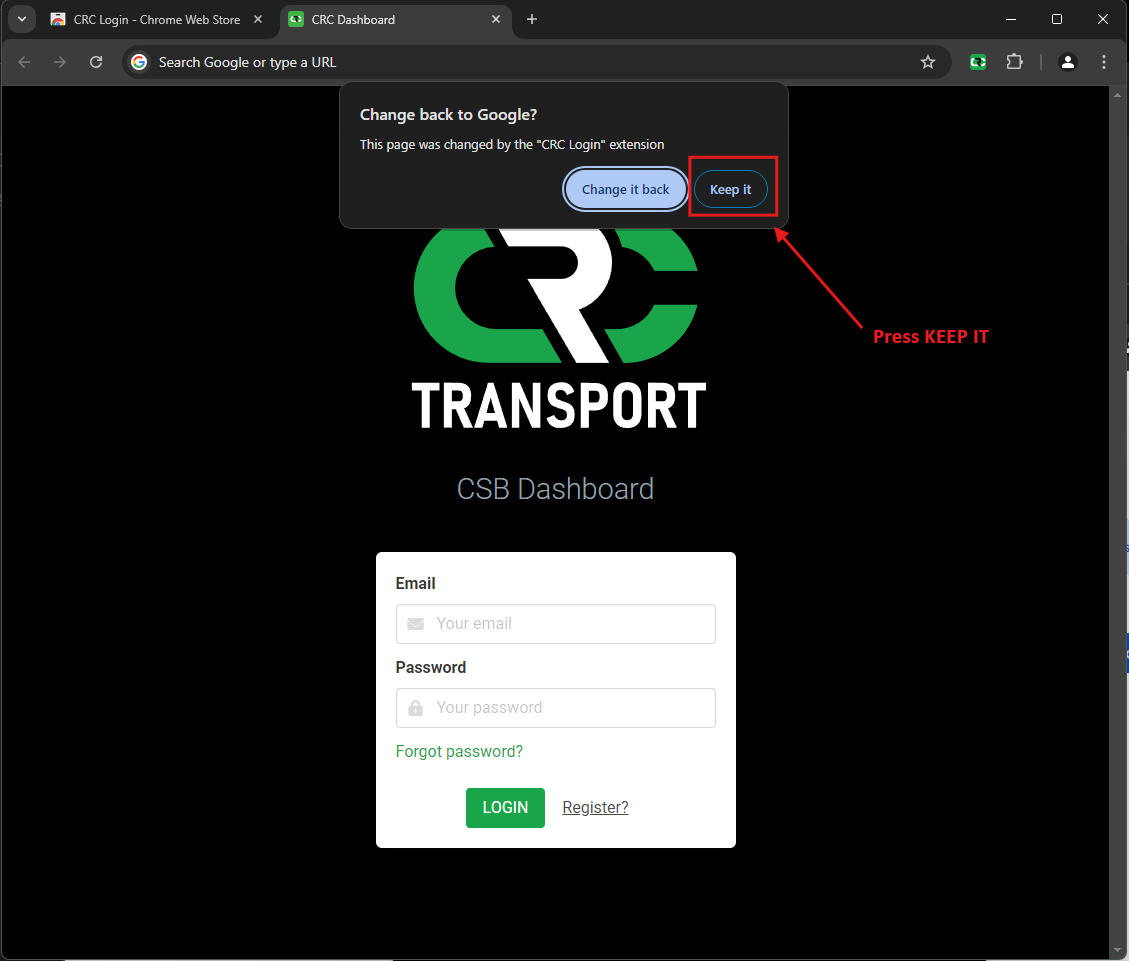
Final: Login using extension